AI in Embroidery Digitizing: What It Can and Can’t Do
AI in Embroidery Digitizing: What It Can and Can’t Do
AI can turn a logo into a stitch file in seconds. That is real, and it is useful. It is not the whole story.
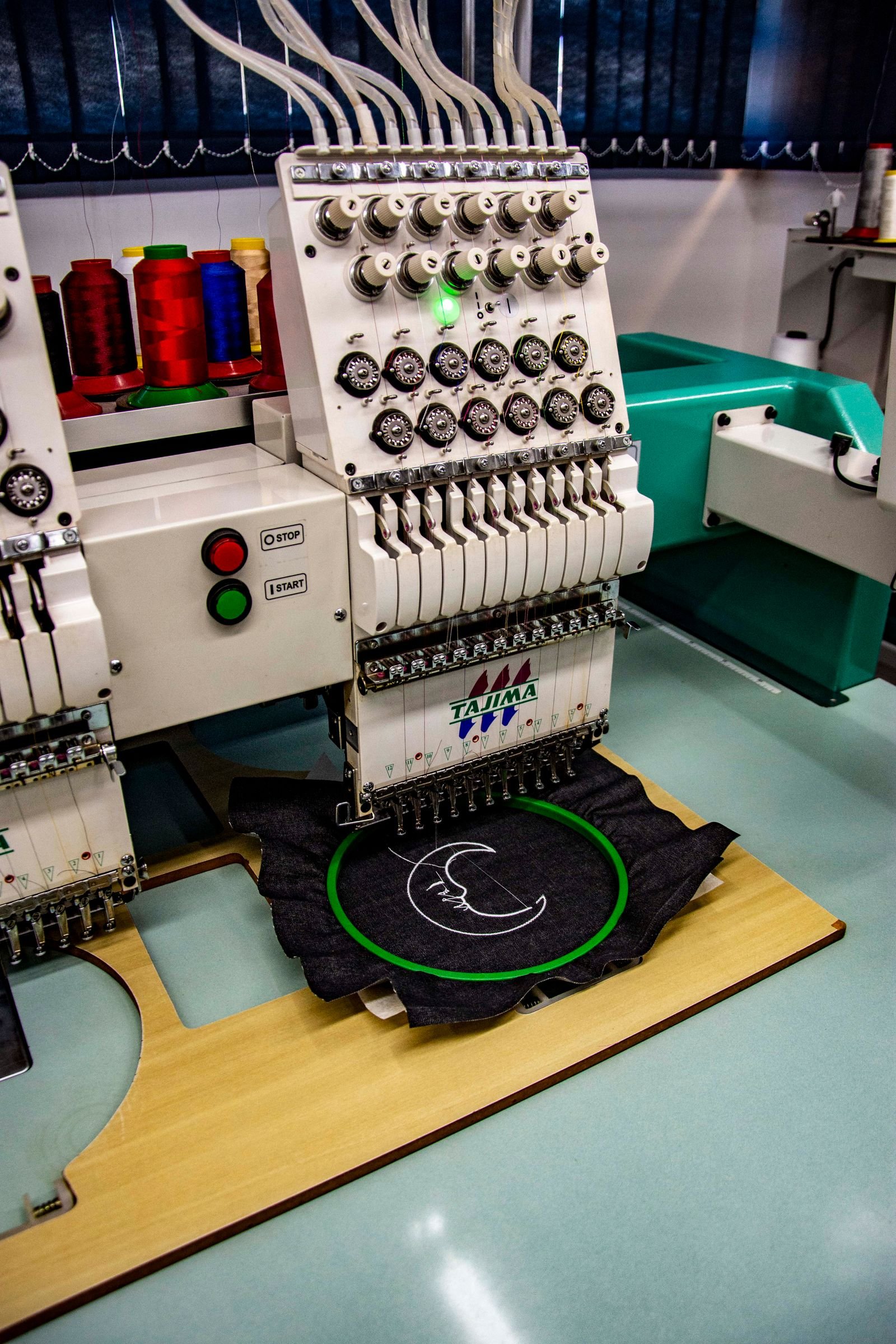
Embroidery is not printing. A design is a set of decisions about how thread will behave on a specific fabric, machine, and size. AI is good at some of those decisions. It is blind to others. We test every file on a real machine before delivery, and that test is where most AI-only files fail — not on screen, but on fabric.
What “AI Digitizing” Actually Means in 2026
The label covers three different things.
Auto-digitizing converts an image or vector into stitches automatically. It traces shapes, assigns satin, fill, or running stitch, and sets density and sequence.
AI assistance suggests settings, cleans up artwork, removes a background, or flags a likely problem. A human still makes the final call. Wilcom EmbroideryStudio, Hatch Embroidery, and Brother PE-DESIGN all include tools of this kind.
AI image generation creates new artwork before digitizing starts. That artwork still needs cleaning and simplifying. Generated art is often too detailed or gradient-heavy to stitch as-is.
What AI Digitizing Does Well
Clean, flat logos. A simple logo with bold shapes, few colours, and clear edges is AI’s best case. On stable woven fabric, it can be close to usable in under a minute.
First drafts and previews. AI gives you a fast starting point to check proportions and show a client a sew-out simulation. That preview step is now much faster.
Artwork cleanup. AI is often better at sharpening a blurry logo, knocking out a background, or tracing a simple shape than the old auto-digitize button. Clean input makes every later step easier.
Personalisation at scale. Names, dates, and team lettering from a template are a strong fit — the shapes repeat and the workflow can be checked once and reused.
Consistency on repeat jobs. Once a good file exists, automation can reproduce it without the variations that creep in when different people digitize the same logo.
What AI Digitizing Can’t Do — Yet
AI does not understand fabric, and fabric decides the result.
| AI can do | AI can’t do reliably |
|---|---|
| Turn a clean logo into stitches in seconds. | Feel how fabric stretches, drapes, or puckers. |
| Pick a stitch type for a simple shape. | Choose underlay and pull compensation for a garment. |
| Clean up a blurry logo or remove a background. | Keep small text readable at 6–8 mm height. |
| Create a fast first draft or preview. | Digitize 3D puff, caps, or appliqué without manual work. |
| Repeat a proven template for names and lettering. | Know when its own output is wrong. |
It doesn’t know your fabric
The same logo needs different underlay on a cap than on a stretchy polo, and different again on fleece or leather. AI does not ask. It applies defaults trained on stable woven fabric. On stretch fabric, that often means too much density — stiff, puckered, and uncomfortable to wear.
It over-stitches
Auto tools love density. More stitches look complete on screen. On fabric, they cause thread breaks and a hard, plastic-feeling patch, especially in large fills and small designs scaled down without re-digitizing.
Small text breaks down
Small lettering is the hardest test in digitizing, and where AI is weakest. Thin strokes collapse and serifs turn to blobs. If text is under about 8 mm, expect to rebuild it by hand.
Caps, 3D puff, and complex work need a human
Caps stitch outward from the centre on a curved surface. 3D puff needs foam covered properly, or the edges look unfinished. These are sequencing decisions, not image-recognition decisions. AI can start them. It rarely finishes them to production standard.
It doesn’t know it got it wrong
A digitizer who has run machines looks at a file and feels the problem coming. Software hands you the same confident output whether it is right or wrong. You find out on garment number one, after the thread and blank garment are spent.
The Tools in 2026: A Quick, Honest Map
Wilcom EmbroideryStudio 2026 and Hatch Embroidery are the professional desktop references. They combine auto-digitizing with full manual editing and stitch simulation. Brother PE-DESIGN, with Auto Punch and PhotoStitch, fits Brother owners. Ricoma Chroma serves the same role for Ricoma owners, on Mac and Windows.
Browser tools such as Embify, Embrizo, and EmbroidAI are useful for a fast file with no install, best for simple logos and first drafts. Ink/Stitch, the free Inkscape extension, has no generative AI, but gives full control over stitch type, density, and order. No tool here removes the need for a test sew-out.
How to Use AI Well Without Ruining Stitch Quality
Use AI as a fast assistant, not as a final digitizer.
- Start with clean artwork. Use a vector where possible, or a high-resolution image with flat colours. Remove gradients, merge tiny details, and redraw small text larger.
- Tell the tool the fabric. If it offers a preset — woven, knit, stretch, fleece, towel, leather — set it. If it does not offer one, that is a warning.
- Use AI for the draft, then edit by hand. Check underlay first, then density, pull compensation, sequence, and trims.
- Simplify small text. Enlarge it, use a bolder font, or add it as a separate, manually digitized element. Never let AI shrink a full logo, text included, to chest size and hope for the best.
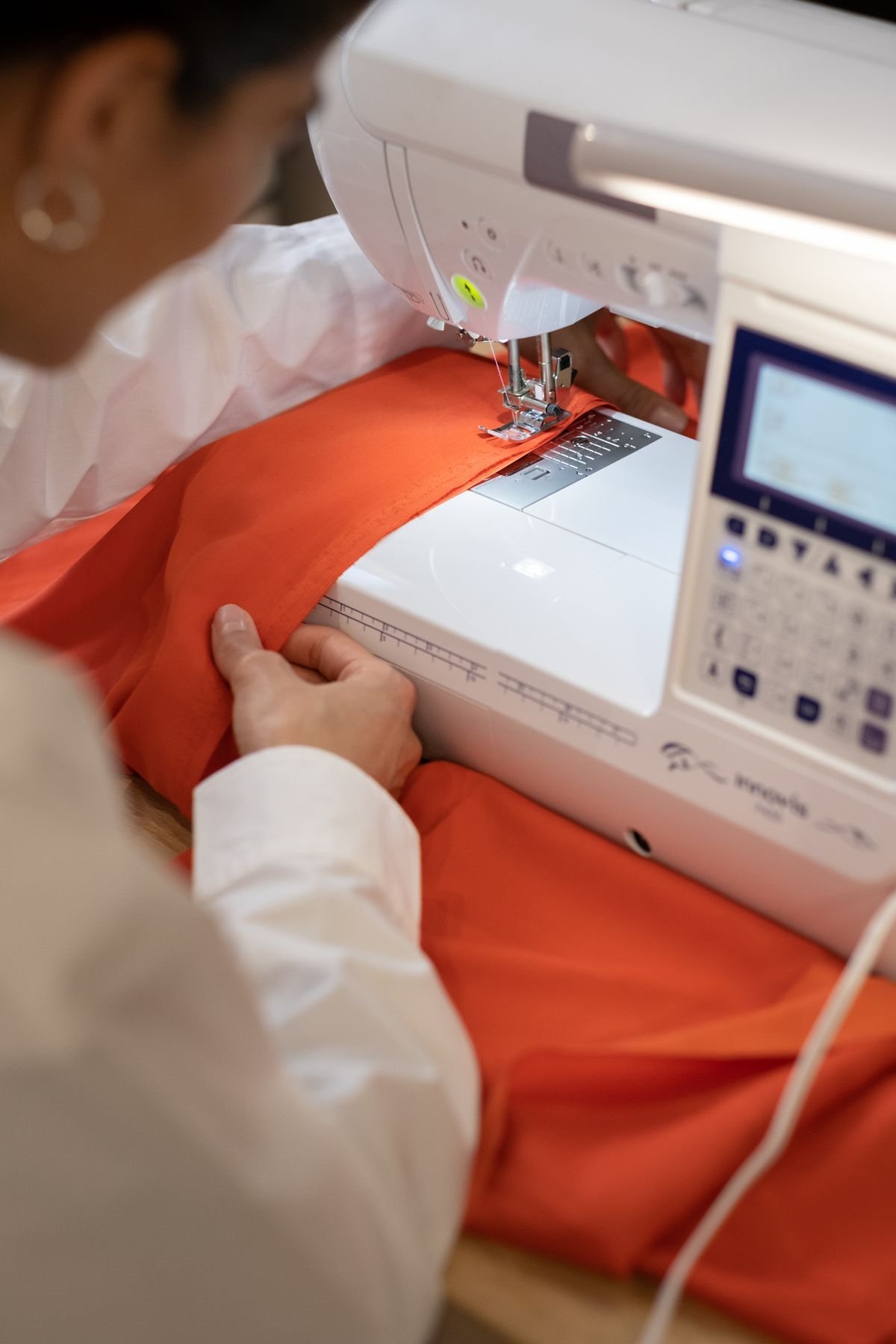
- Sew a test on the real fabric. Not a different scrap, and not just on screen. Stitch at the exact size, on the exact fabric, with the same stabiliser you will use in production. Check for puckering, gaps, and thread breaks.
- Keep a record. When a file works, save the fabric, stabiliser, density, and machine settings with it. That is what makes the next repeat order fast.
If a file fails, fix the specific problem — density, underlay, angle, or sequence — rather than running it through AI again and hoping.
When to Hand the File to a Human Digitizer
Send the job to a professional when the logo is for a client and will be seen at scale, the fabric is stretch, lightweight, or curved, the design includes small text, 3D puff, or appliqué, or the order is large enough that a failed run would cost more than the digitizing.
Use AI for speed and keep a human in charge of quality.
FAQ
Can AI replace a professional embroidery digitizer? No — not for production work. AI can handle a simple, clean logo on stable fabric and speed up drafts and cleanup. It cannot feel fabric, judge a sew-out, or make sequencing decisions. Caps, small lettering, and stretch fabrics still need a human and a real machine test.
Is auto-digitizing good enough for a business logo? Sometimes, for a simple logo at a large size on stable fabric, after a test sew-out. Often, no. Business logos are stitched small and repeated many times. Have a digitizer review it before you commit to a run.
Which AI embroidery software is best in 2026? It depends on your machine and workflow. Wilcom and Hatch are the strongest desktop options for shops that will edit files. Brother PE-DESIGN fits Brother owners, Ricoma Chroma fits Ricoma owners, and browser tools such as Embify and Embrizo suit fast, simple files.
Why do AI files pucker or break thread? Usually density, underlay, or pull compensation. AI often sets density too high or uses the wrong underlay for the fabric. Fix those three settings by hand, then test-stitch on the real fabric.
Get a File That Stitches Clean the First Time
AI is a useful tool, not a substitute for a digitizer who has tested the file on a real machine.
If you have a logo, patch design, or collection for production — on caps, polos, hoodies, or uniforms — send it to us. We digitize it manually, test it, and refine it until it stitches clean.
Get your free quote from Stitch To Art: https://stitchtoart.com/ — tell us your artwork, fabric, and machine, and we will get back to you in under two hours.
The newsletter
Stay Updated With
Industry Insights.
Get the latest embroidery tips, vector design techniques, production advice, and business resources delivered directly to your inbox. One useful email — no spam, ever.
Unsubscribe anytime. We respect your inbox and your data.