Vector vs. Raster: Why Your Logo Needs Both (and When to Use Each)
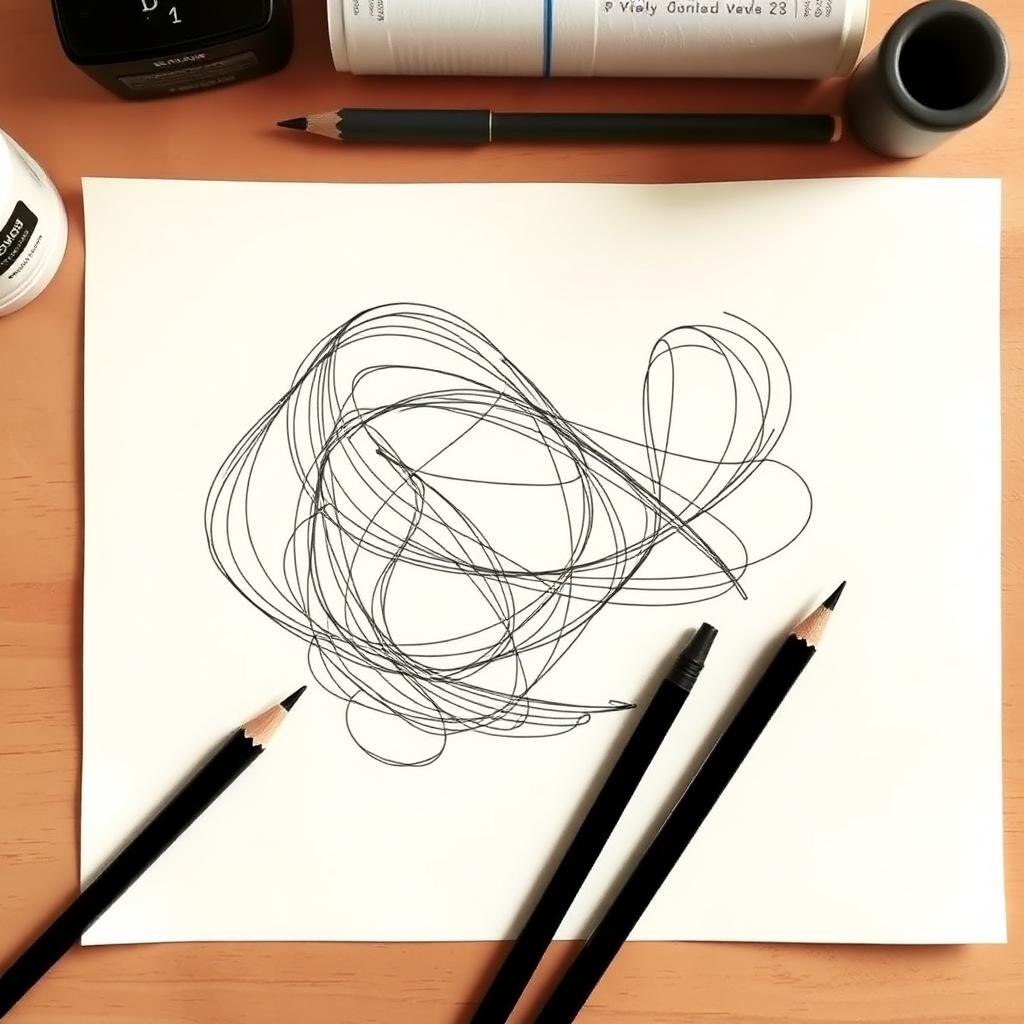
Ask five suppliers for “your logo file” and you’ll get five different answers — a JPEG from email, a PNG from the website, something called an EPS nobody can open. Understanding the difference between vector and raster artwork is the single most useful piece of file literacy for anyone who buys embroidery, printing, signage, or merch. Here’s the difference, why it matters for every decoration method, and how to tell what you’re actually holding.
The Core Difference: Math vs. Pixels
Raster images (JPEG, PNG, GIF, most TIFFs) are grids of colored pixels. Zoom in and you’ll see the squares. They’re perfect for photographs — and fragile for logos, because enlarging them just makes the squares bigger. That’s the blur you see on stretched logos.
Vector graphics (AI, EPS, SVG, some PDFs) are mathematical descriptions — curves, points, and fills. A vector circle is an equation, not a picture of a circle, so it renders perfectly sharp at any size: business card or building wrap, no difference.
Raster is a photograph of your logo. Vector is the blueprint. Production always wants the blueprint.
Why Each Decoration Method Cares
Embroidery digitizing
Digitizers work from shapes. Clean vector paths let us trace precise satin columns and fills; a blurry raster forces us to guess where edges actually are. You can digitize from a raster — we do it daily — but crisp vector input means faster turnaround and zero ambiguity on fine details. (See how digitizing works.)
Screen printing
Color separations demand hard-edged, defined shapes. Vector art separates cleanly into spot colors; raster art requires tracing first.
DTF and DTG printing
These are raster processes at print time — but they want high-resolution raster exported from clean sources. A 72 DPI web PNG upscaled to press size prints soft. Vector masters export at exactly the resolution needed. Our DTF pre-press checklist covers this in depth.
Signage, cutting, and engraving
Plotters and laser cutters follow paths — literally. No vector, no cut. This is the one category where raster simply doesn’t work at all.
How to Tell What File You Have
- Zoom to 800%. Blurry or pixelated edges = raster. Perfectly crisp = vector (or a very high-res raster).
- Check the extension. AI, EPS, SVG are almost certainly vector. JPEG, PNG, GIF are always raster.
- Beware the disguise. A PDF or EPS can contain a raster image pasted inside — extension alone doesn’t guarantee vector content. If you can select and move individual shapes in Illustrator, it’s vector.
Common trap: “I have it in high resolution” usually means a big raster. Size isn’t the issue — structure is. A 10,000-pixel JPEG is still not a vector.
When You Only Have a Raster (or Nothing)
Logos get lost. Companies outlive their design files. That’s what professional vector conversion is for — and it matters how it’s done:
Auto-trace vs. manual redraw
- Auto-trace tools follow pixels blindly, faithfully reproducing every blur artifact and wobble as lumpy paths. Fast, cheap, and visibly amateur at scale.
- Manual redraw means an artist rebuilds the logo with proper geometry — true circles, consistent stroke weights, corrected spacing. The result matches the original intent, not its degraded copy.
At Stitch To Art, every conversion is redrawn by hand and delivered as AI, EPS, SVG, and PDF masters — typically within 4–8 hours.
Building a Logo Asset Kit That Ends This Forever
Once you hold a proper vector master, spin off a permanent kit:
- Vector masters: AI + EPS + SVG (full color, one-color, reversed/white)
- Print rasters: 300 DPI PNG with transparent background, in common sizes
- Web rasters: optimized PNG/WebP
- A one-page usage sheet with your exact brand colors (Pantone, CMYK, RGB, HEX)
Every future vendor request becomes a 30-second email instead of a design emergency.
The Vector Format Family, Decoded
“Send us a vector” usually means one of four extensions. They’re related but not interchangeable:
AI (Adobe Illustrator)
The working master in most professional pipelines. Preserves layers, editable text, and effects. Its weakness is dependency: fonts must be outlined (converted to paths) before sending, or the recipient’s machine substitutes them silently.
EPS (Encapsulated PostScript)
The old lingua franca of print. Nearly every design and production tool opens EPS, which is why suppliers still request it. It’s a flattened-ish exchange format — great for sending, not for ongoing editing.
SVG (Scalable Vector Graphics)
The web-native vector: browsers render it directly, and it’s the preferred input for cutting plotters and many modern tools. Human-readable XML under the hood, which makes it the most future-proof of the family.
PDF (the ambiguous one)
A PDF is a container: it can hold true vector art, a raster image, or both. “We have a vector PDF” is only true if the shapes inside are paths. The Illustrator selection test settles it in five seconds.
What to request from any designer: AI or EPS master with text outlined, plus SVG — full color, one-color black, and reversed white versions. That trio covers embroidery, print, cut, and web without ever coming back for more.
Three Real-World Scenarios (and the Right Move in Each)
Scenario 1: “We only have the logo on our website”
A web PNG is typically 72 DPI and a few hundred pixels — fine for a favicon, unusable for a jacket back. Right move: professional redraw into vector, one time, permanently. Trying to upscale it with software filters produces smooth-looking blur, not detail.
Scenario 2: “Our old supplier has the files but won’t share”
Common and frustrating. Legally the artwork is usually yours; practically, a clean-room recreation from the best available sample is faster than the argument. Insist on owning the masters this time — it’s a standard deliverable at any reputable studio.
Scenario 3: “The founder drew it on paper 30 years ago”
Heritage marks are our favorite projects. A careful manual redraw preserves the hand-drawn character while making the geometry production-true — the goal is faithful, not sterile. Scan at 600 DPI or photograph flat in daylight, and send every version you have; small variations between old prints often reveal the intended design.
Frequently Asked Questions
Is a PNG with transparent background good enough for embroidery?
Usually, yes — if it’s reasonably sharp. Digitizers redraw the artwork in stitches anyway. Vector input simply removes guesswork on fine detail.
Can you vectorize a photo?
Photos aren’t suitable for true vectorization — they’re continuous tone. What you want is a stylized vector illustration based on the photo, which is a design service we’re happy to quote.
What does vector conversion cost?
It depends on complexity — a simple wordmark differs from a detailed crest. Send the file for a free quote; you’ll have an exact price within 2 hours.
My logo is blurry. Can it be fixed?
Yes — that’s logo recreation, one of our core services. We rebuild it faithfully from any reference, usually within 24 hours.
A Buyer’s Guide to Vector Conversion Quality
If you’re commissioning a conversion, you should be able to judge what comes back. Open the delivered file (or its PDF preview) and check:
- Curve quality: zoom into rounded elements — curves should flow through few, well-placed anchor points. Auto-traced files show dozens of jittery points per curve; hand-redrawn files show geometric intent.
- True geometry: circles should be circles, parallel lines actually parallel, repeated elements (like bullet stars in a crest) identical clones rather than individually traced variants.
- Corrected, not copied, flaws: a good redraw fixes the artifacts of the degraded source — wobbling stroke widths, uneven letter spacing — while preserving deliberate quirks of the original design. If you can’t tell which wobbles were intentional, your converter should have asked you.
- Logical construction: shapes built as clean filled paths, not fragmented slivers; colors as a tidy swatch set, not 47 near-identical reds; text either live-with-outlines-provided or cleanly outlined.
- Complete delivery: AI or EPS master, SVG, PDF, and your color codes documented. One-color and reversed versions if you requested them (you should).
Five minutes with this list separates a $10 auto-trace from professional work more reliably than any portfolio page — and it’s exactly the standard we hold our own deliveries to.
What complexity actually means for turnaround
Clients often ask why one logo converts in three hours and another takes a day. The honest drivers: number of distinct shapes, text that needs font matching or careful outlining, gradients and shading that need vector-native rebuilding, and source quality (a crisp scan converts faster than a photographed t-shirt). A simple wordmark is a 3–4 hour job; a detailed heraldic crest with banners and shading is a day. Neither should ever be quoted without seeing the artwork first — which is why our quotes come after upload, free, within two hours.
Conclusion
Vector for the master, raster for the moment — that’s the whole rule. Keep an editable vector of your logo, export rasters as needed, and every decoration method from embroidery to signage becomes simpler, faster, and sharper. Missing your vector master? We’ll rebuild it by hand, production-ready, within hours.
The newsletter
Stay Updated With
Industry Insights.
Get the latest embroidery tips, vector design techniques, production advice, and business resources delivered directly to your inbox. One useful email — no spam, ever.
Unsubscribe anytime. We respect your inbox and your data.