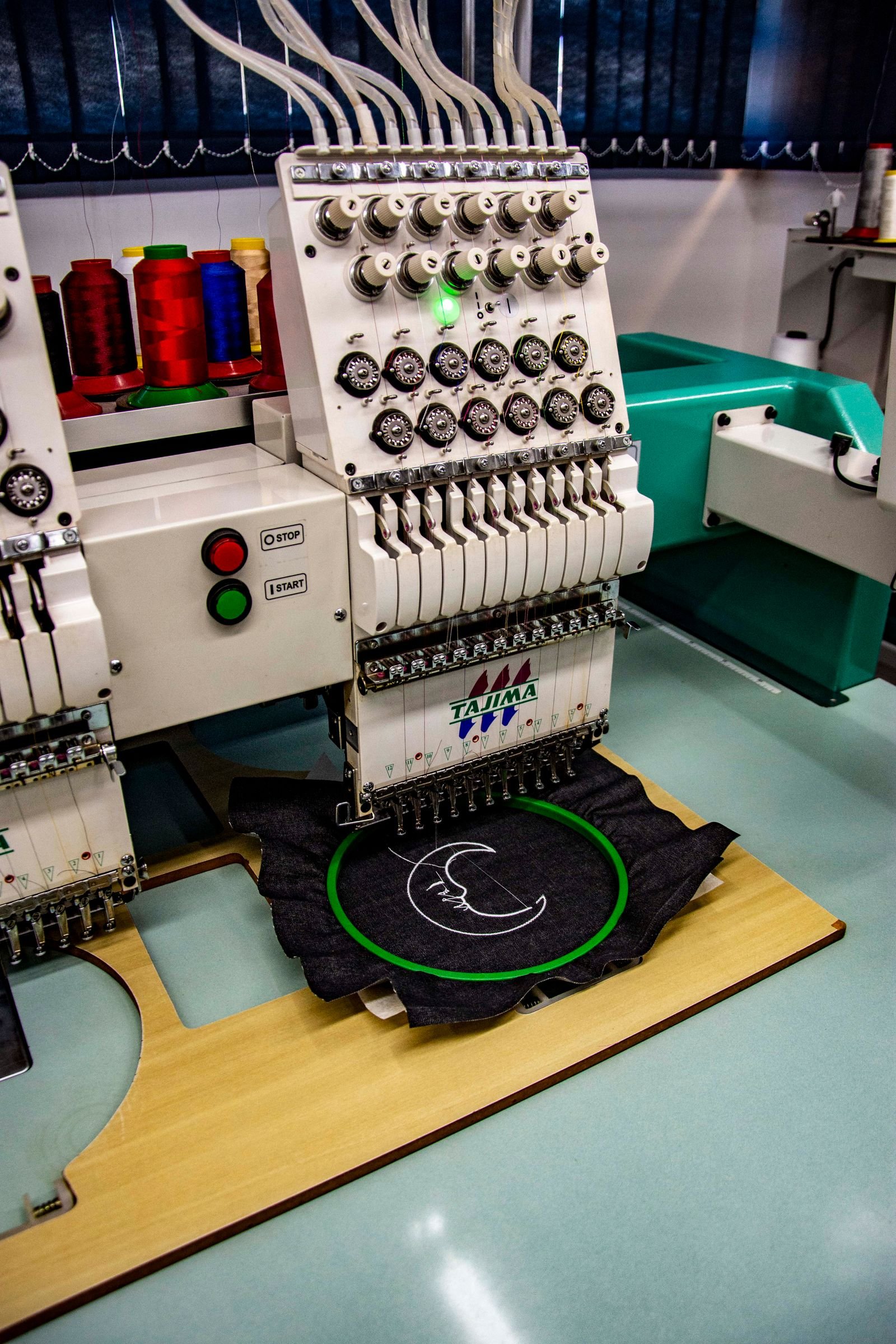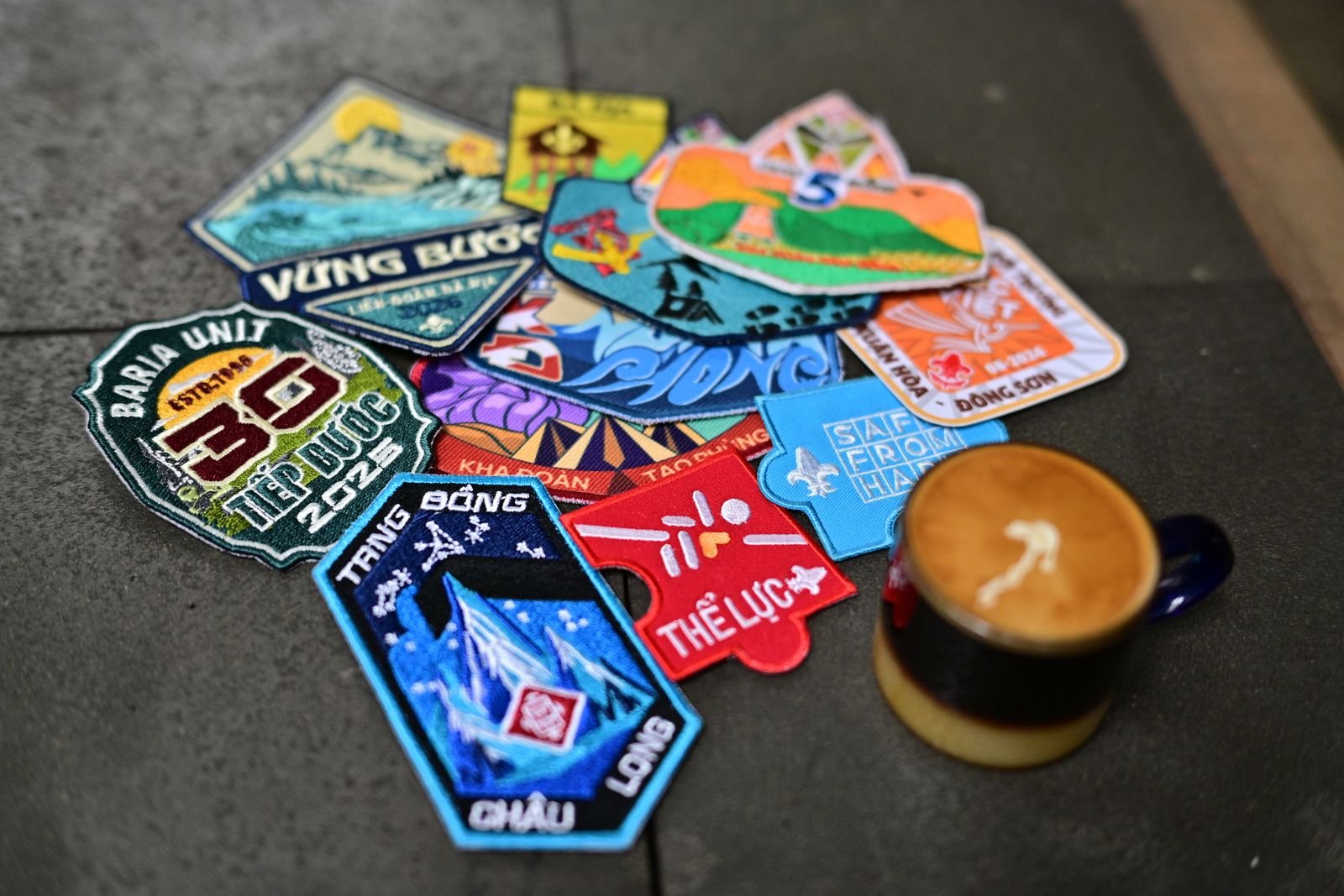
A customer sends a tiny logo screenshot and asks for it to be stitched onto a cap or turned into a custom patch. The artwork looks acceptable on a phone, but when it is enlarged, the edges become jagged and small details are hard to identify. This is where clean vector artwork can make a real difference.
Vector conversion helps create editable, scalable shapes and outlines. It is valuable for branding and production preparation—but it is important to understand what vector artwork can do, and what it cannot do on its own.
What is vector artwork?
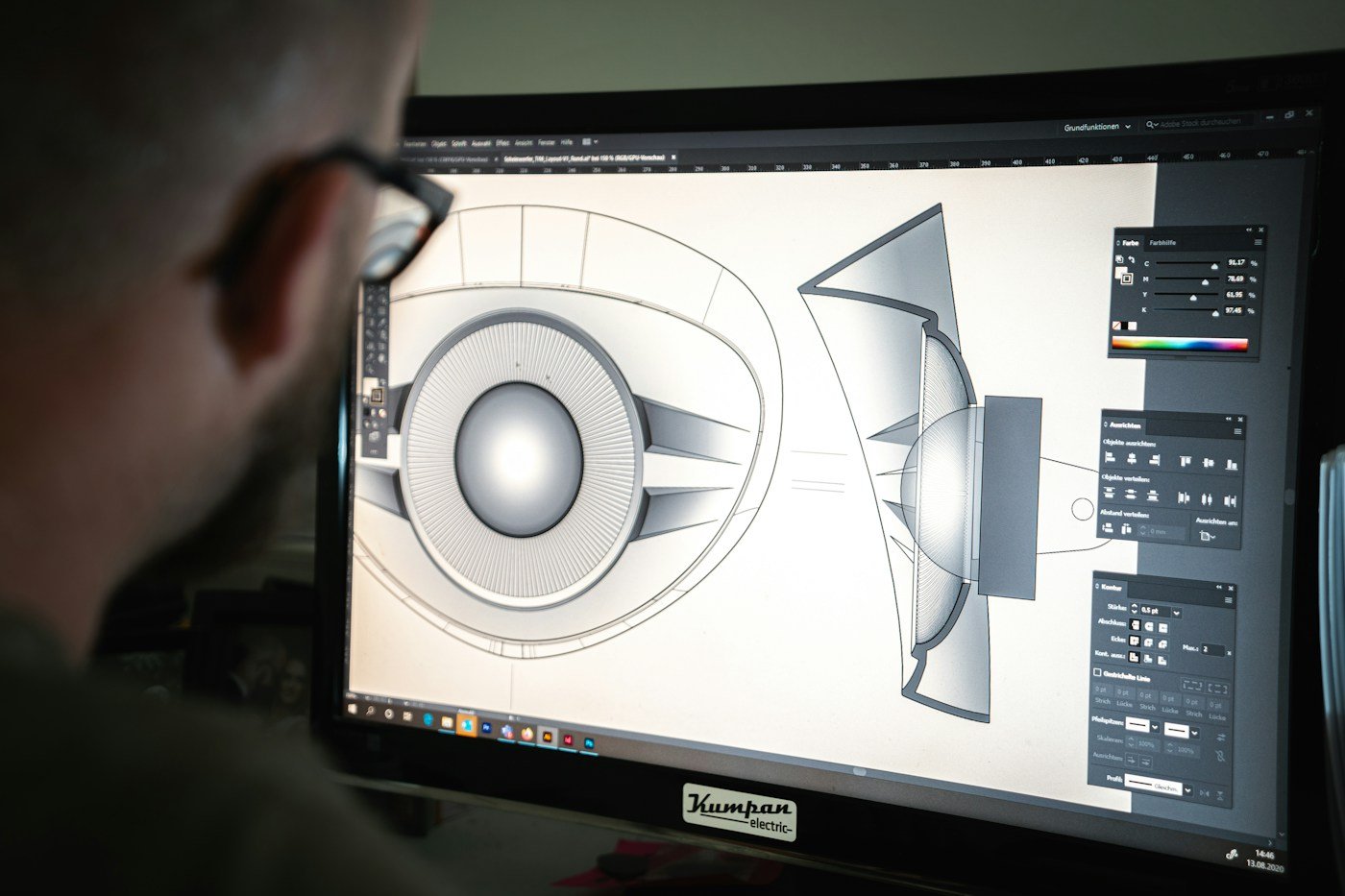
Vector graphics are built from paths, points, curves and shapes rather than a fixed grid of pixels. Common vector formats include AI, EPS and SVG; PDF files can contain vector artwork, raster images or a mixture of both.
Because vector shapes are resolution-independent, they can be resized without the pixelation associated with enlarging a small raster image. This makes vector artwork useful for logos that need to appear on business cards, garments, signs, packaging and patches.
Vector vs. raster: why the difference matters
A raster image such as JPG or PNG is made from pixels. It can look sharp at its original size, but enlarging a low-resolution image may reveal blurry or jagged edges. A vector file describes the shape itself, so it can be scaled while retaining clean outlines.
That does not mean every PDF or SVG is automatically a perfect vector file. A PDF may simply contain an embedded low-resolution image. Before production, confirm that the artwork contains editable vector paths rather than only a placed bitmap.
How vector artwork helps embroidery production
Cleaner outlines for digitizing
Clear shapes make it easier to identify boundaries, overlaps and separate color areas. A digitizer can use vector artwork as a reference or backdrop when planning embroidery objects. Wilcom’s documentation describes importing vector graphics into EmbroideryStudio for use as digitizing backdrops or for conversion into embroidery objects.
More reliable size changes
A vector logo can be scaled for different placements without losing edge quality. However, a clean vector does not mean the embroidery stitch file can be resized endlessly. A design stitched at 3 inches may need a different stitch plan from one made at 8 inches. Lettering, gaps and small shapes must still be evaluated at the final embroidered size.
Easier color and shape editing
Editable paths can help a designer separate colors, correct uneven outlines, close gaps and simplify unnecessary details. This can make the next production step clearer and reduce avoidable artwork questions.
Why vector artwork matters for custom patches
Patch production also depends on clear edges, color separation and a design that suits the chosen construction. A bold embroidered patch may need simplified shapes and lettering that can be stitched cleanly. A woven patch may retain finer linework. A PVC patch uses a mold, so the design needs clear raised and recessed areas and practical color separations.
Vector artwork gives the production team a more editable starting point, but the artwork should still be adapted to the specific patch type, dimensions and manufacturing method.
Vector conversion is not the same as embroidery digitizing
This distinction is essential:
- Vector conversion rebuilds artwork as clean, editable shapes and paths.
- Embroidery digitizing turns the design into stitch instructions, including stitch types, direction, density, underlay, sequence and machine functions.
A vector logo is not automatically a machine-ready embroidery file. It still needs to be digitized and exported in a format supported by the intended machine. Wilcom also notes that artwork may need preparation before automatic digitizing, including reducing bitmap noise and clarifying color areas.
When does your logo need vector conversion?
- Your only logo file is a small or blurry PNG/JPG.
- Edges look jagged when enlarged.
- You need to change colors or repair uneven shapes.
- The artwork contains overlapping or broken outlines.
- You need consistent logo files for embroidery, patches and print applications.
- Your production partner requests an editable AI, EPS, SVG or vector PDF.
What to provide for the best result
- Send the highest-quality logo you have, even if it is not vector.
- Provide the correct brand colors or a reference image.
- Identify small text or details that must remain.
- Tell us the intended use: embroidery, woven patch, PVC patch, print or multiple applications.
- Share the final size or placement whenever possible.
These details help determine whether the artwork should be traced exactly, cleaned up, simplified or adapted for a particular production method.
Frequently asked questions
Is SVG always a vector file?
SVG is a vector format, but an SVG can contain embedded raster images. Check whether the important logo elements are actual paths and shapes.
Can a vector logo be sent directly to an embroidery machine?
Usually not. Most embroidery machines require a stitch file in a supported machine format. The vector artwork is used as source artwork for digitizing.
Will vector conversion make my embroidery perfect?
No. It improves the artwork source, but stitch quality also depends on digitizing, fabric, stabilizer, thread, machine setup and test stitching.
Can one vector file be used for embroidered, woven and PVC patches?
It can serve as a common artwork source, but each patch construction may need its own production adjustments.
Which file formats should I request?
For editable vector artwork, AI, EPS or SVG are common choices. A PDF can also work if it preserves vector paths. Confirm the preferred format with the designer or manufacturer.
Prepare your logo for the next production step
Good production starts with artwork that is clear, editable and suited to the final application. Explore Stitch To Art services to prepare your artwork for production.
Further reading: Adobe guide to vector files; Wilcom EmbroideryStudio guide to importing vector graphics; Wilcom artwork preparation guidance.